Series-first library
Group matching comic titles together, see owned and missing issues, and jump directly into a run.
Track comics, trading cards, sneakers, figures, and custom collections without losing the character of what you collect.
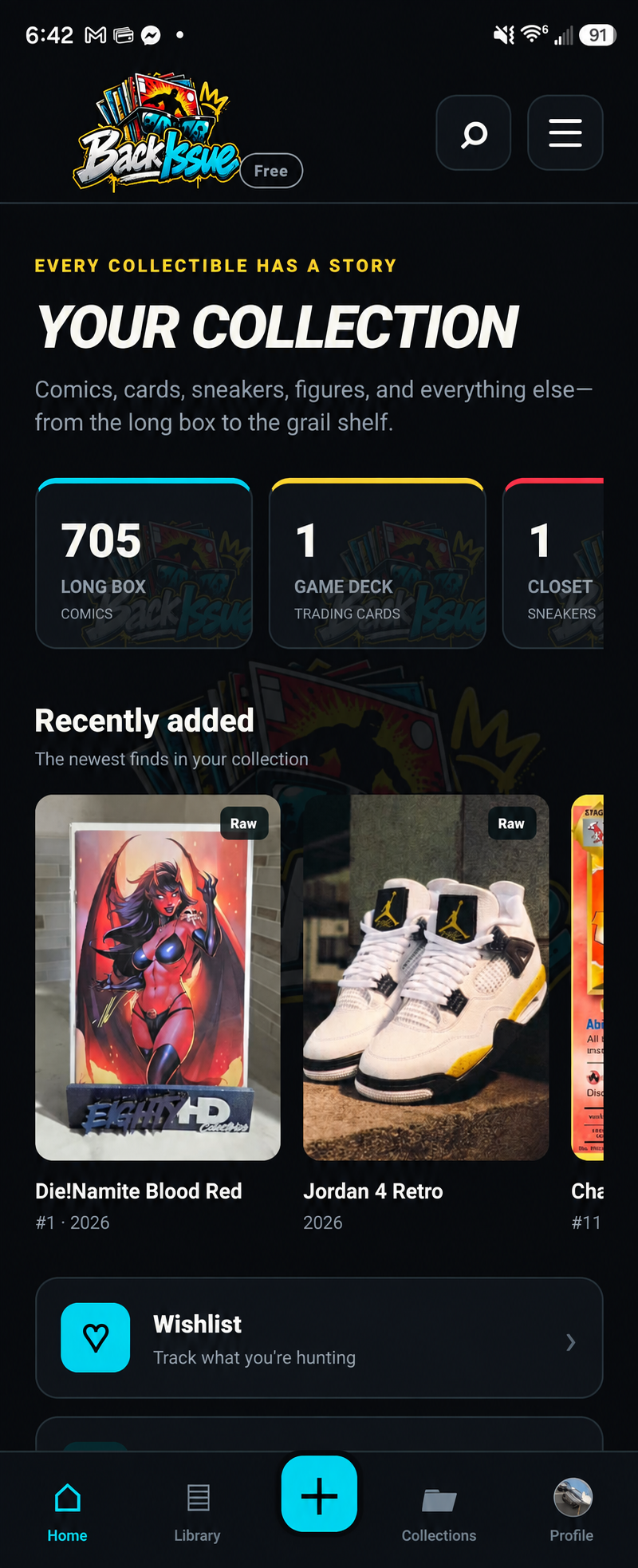
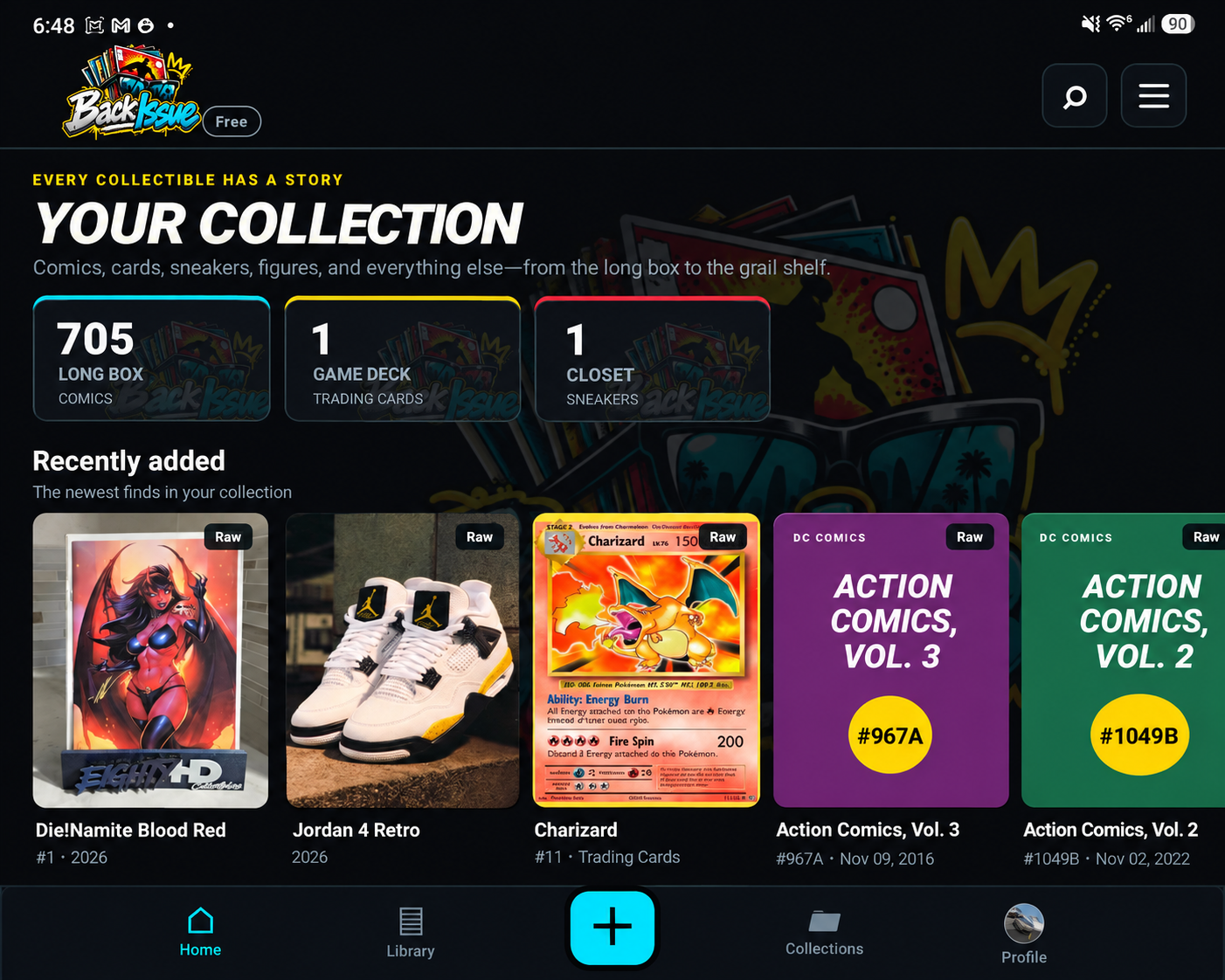
BackIssue groups large libraries into meaningful collections and series, with the details collectors actually care about.
Group matching comic titles together, see owned and missing issues, and jump directly into a run.
Track every item’s status and quickly convert a wishlist or missing item into an owned collectible.
Bring an existing comic collection over using a compatible CSV export instead of starting from zero.
Add a cover plus additional detail photos, then pinch and drag to inspect them on your phone.
Keep raw items simple or record certification details for graded comics and trading cards.
Record purchase prices, estimated worth, sales, and a collection-level value snapshot.
You do not need to enter every comic again. Export your CLZ collection as a CSV or TXT file, then let BackIssue create the comics and collections for you.
Open the CLZ Comics app, open its menu, choose Sync with CLZ Cloud, and wait for the sync to finish. This makes sure your latest additions and edits are included.
Visit cloud.clz.com and sign in with the same CLZ account. CLZ currently creates the export from its Cloud website rather than directly inside the mobile app.
Open the menu in CLZ Cloud and choose Export to CSV/TXT. Select the comics you want to move and include the fields listed below. Choose a comma-separated CSV when available, then press Generate and download the file.
Email the downloaded file to yourself, save it to Google Drive, or transfer it with a cable. On your Android phone, download it into Files or another folder you can find easily. Keep the file as .csv or .txt—do not convert it to a PDF.
Open BackIssue and tap the three-line menu. Choose Import CLZ file, find the CSV or TXT file, and select it. BackIssue will show how many comics it found before anything is added. Tap Import to finish.
Your CLZ folders or storage boxes become collections in BackIssue when that column is included. Rows marked as wishlist become missing items; the rest import as owned. BackIssue also skips matching duplicates during later imports.
CLZ and CLZ Cloud are third-party services. BackIssue is not affiliated with or endorsed by CLZ.
Use category-specific details without forcing every collectible into the same rigid form.
AI identification, valuation, condition grading, payments, and public availability are planned features and are not represented as currently available.
Final plan limits, annual pricing, and credit allocations will be announced before paid subscriptions launch.
Essential collection management without ads interrupting your library.
Expanded tools and access to eligible paid features.
Higher limits for serious personal and business collections.
Follow development updates and watch for the Google Play testing announcement.